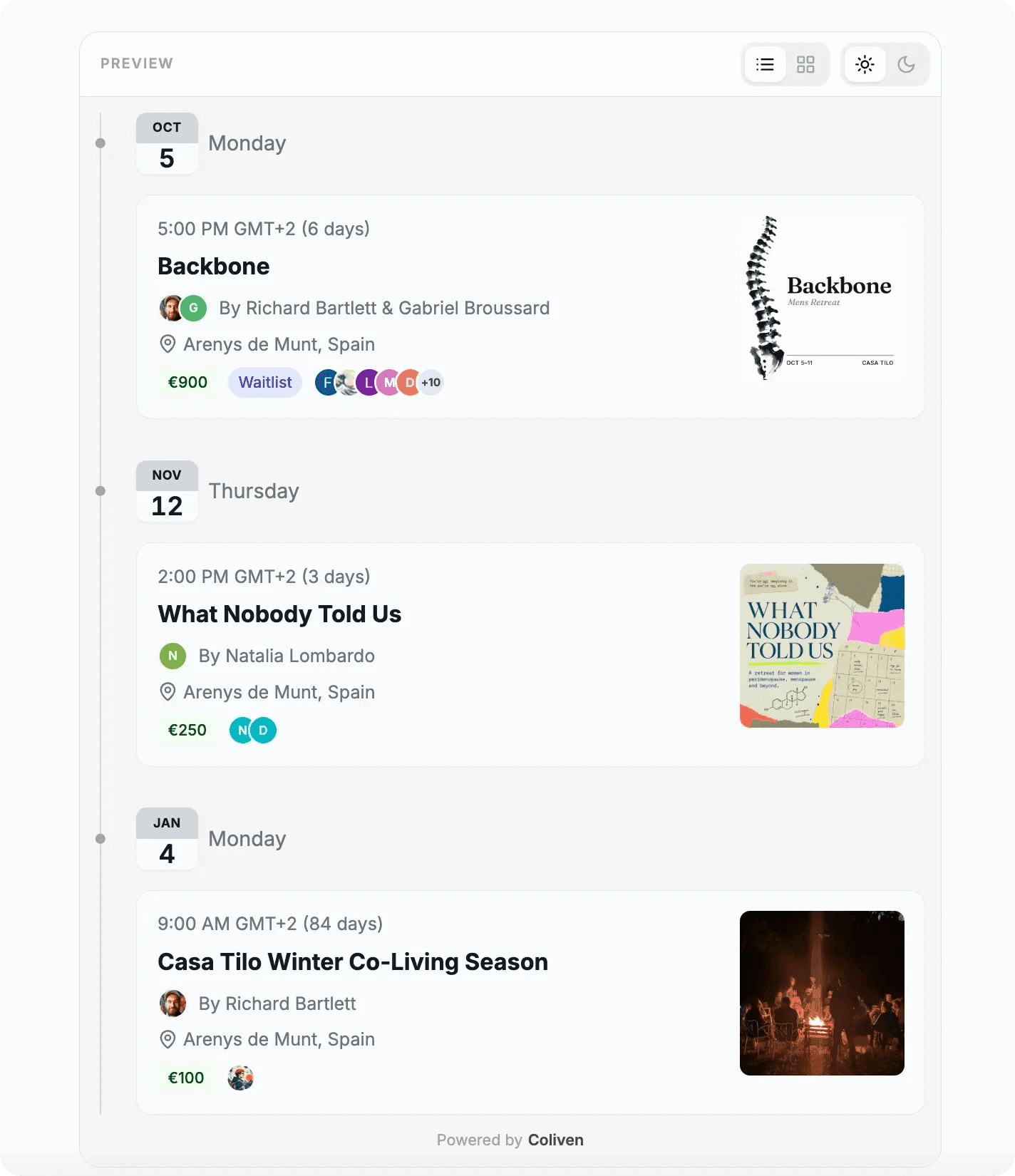
You already have a website, and it has an Events page that someone updates by hand, a few days late. Paste one snippet from Coliven into that page and your upcoming events show up there. Add or change an event on Coliven and your site changes with it.
What can I embed?
All the upcoming events of a community, as a list or a grid, or one single event. Both come in a light and a dark version, and both show public events only.
Where do people buy the ticket?
On Coliven. Clicking an event in the embed opens its page in a new tab, and guests register there.
Do I need a developer?
No. Copy the snippet from the Settings tab of your event or community and paste it wherever your site accepts HTML.