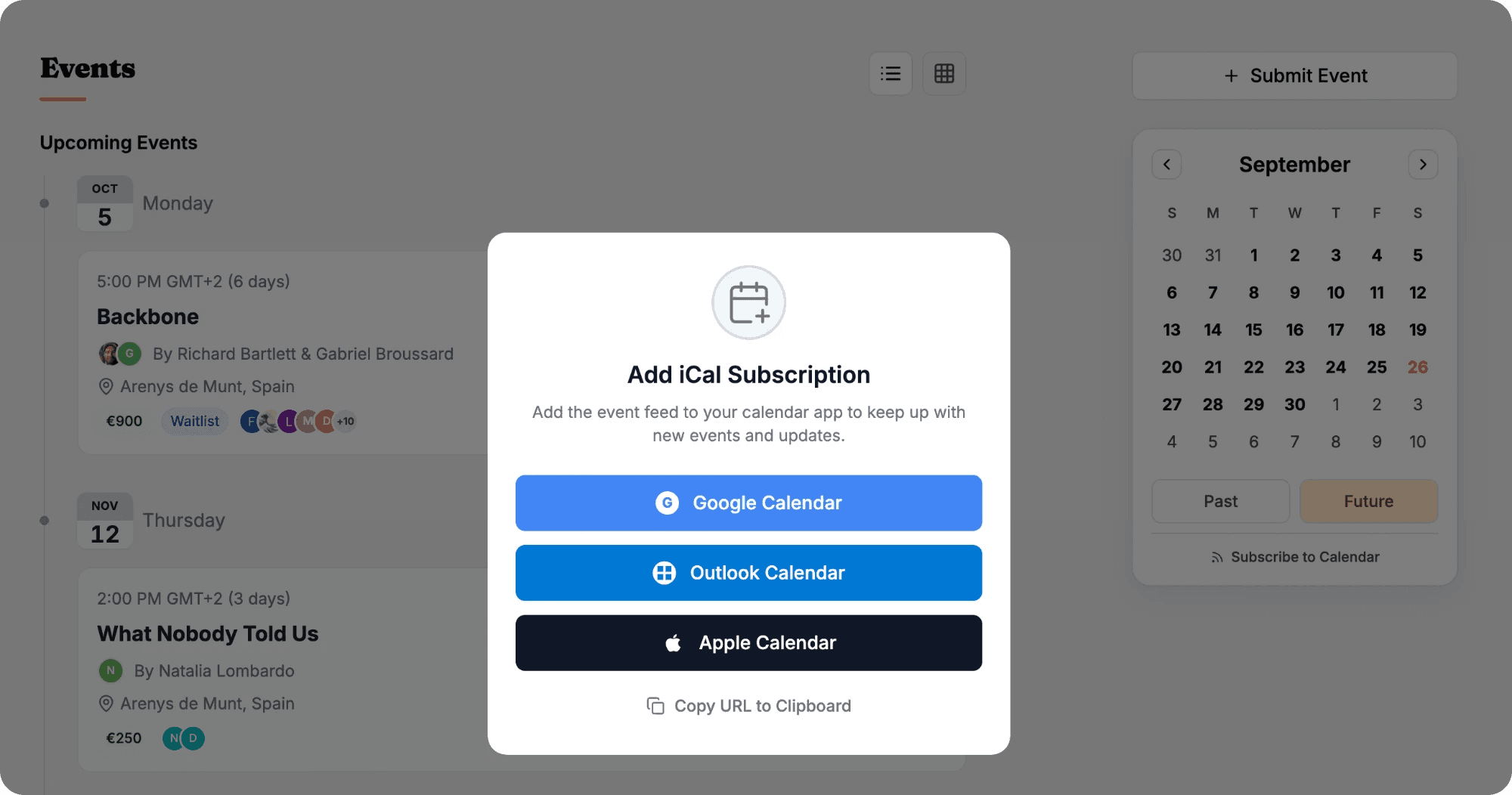
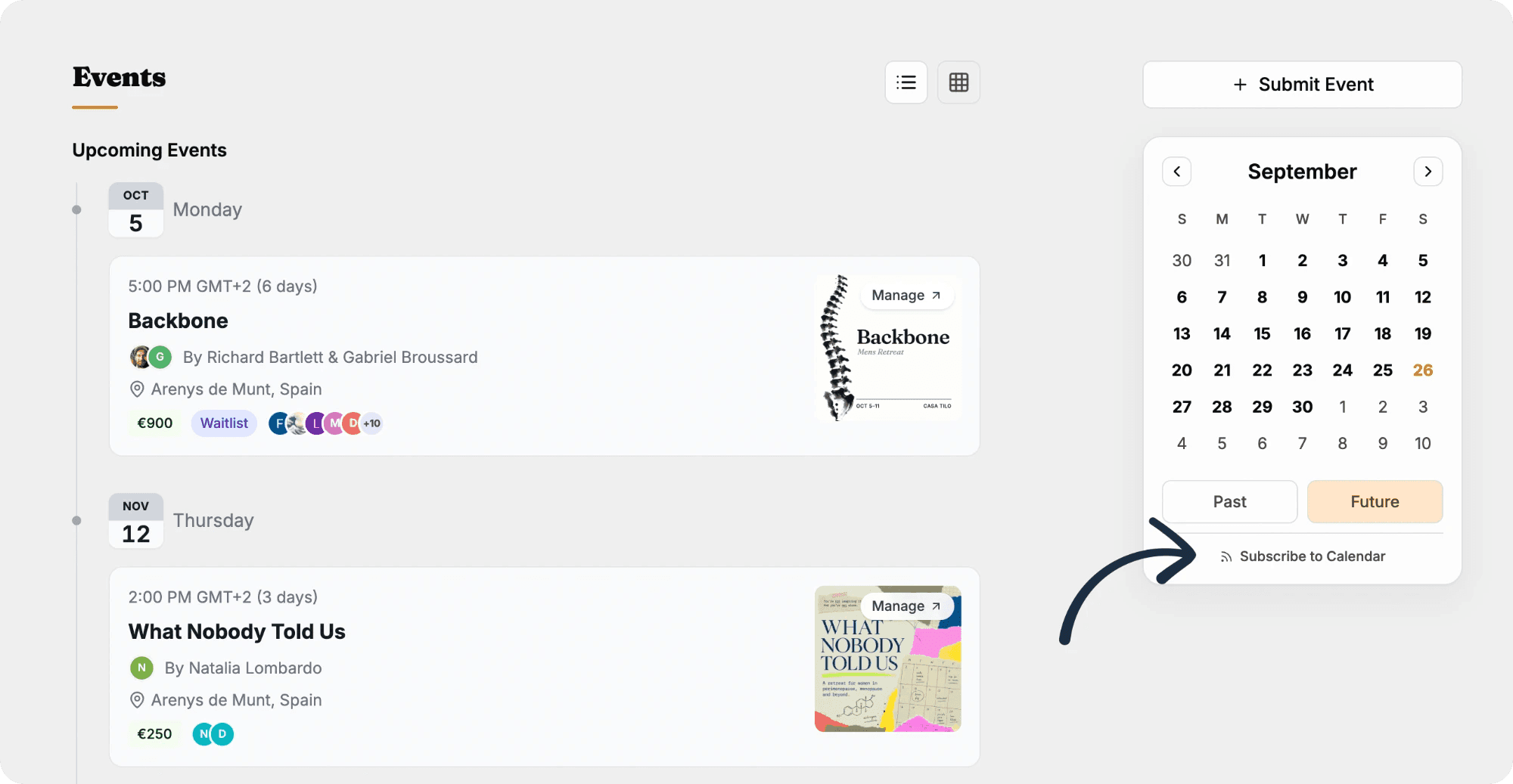
You announce the next gathering in the group chat. Three days later it has scrolled away and people are asking when it was again. On Coliven your community has a calendar feed. People subscribe once from Google, Apple or Outlook, and every public event you add shows up in their own calendar.
What if I change the date?
The feed changes with it, and subscribers see the new time when their calendar app next refreshes, which can take a few hours. Guests who already hold a ticket also get an email about the change.
What about a single event?
The ticket confirmation email comes with a calendar file attached, and the event page has an Add to Calendar button for guests who are going.