
Manage your events from Claude or ChatGPT.
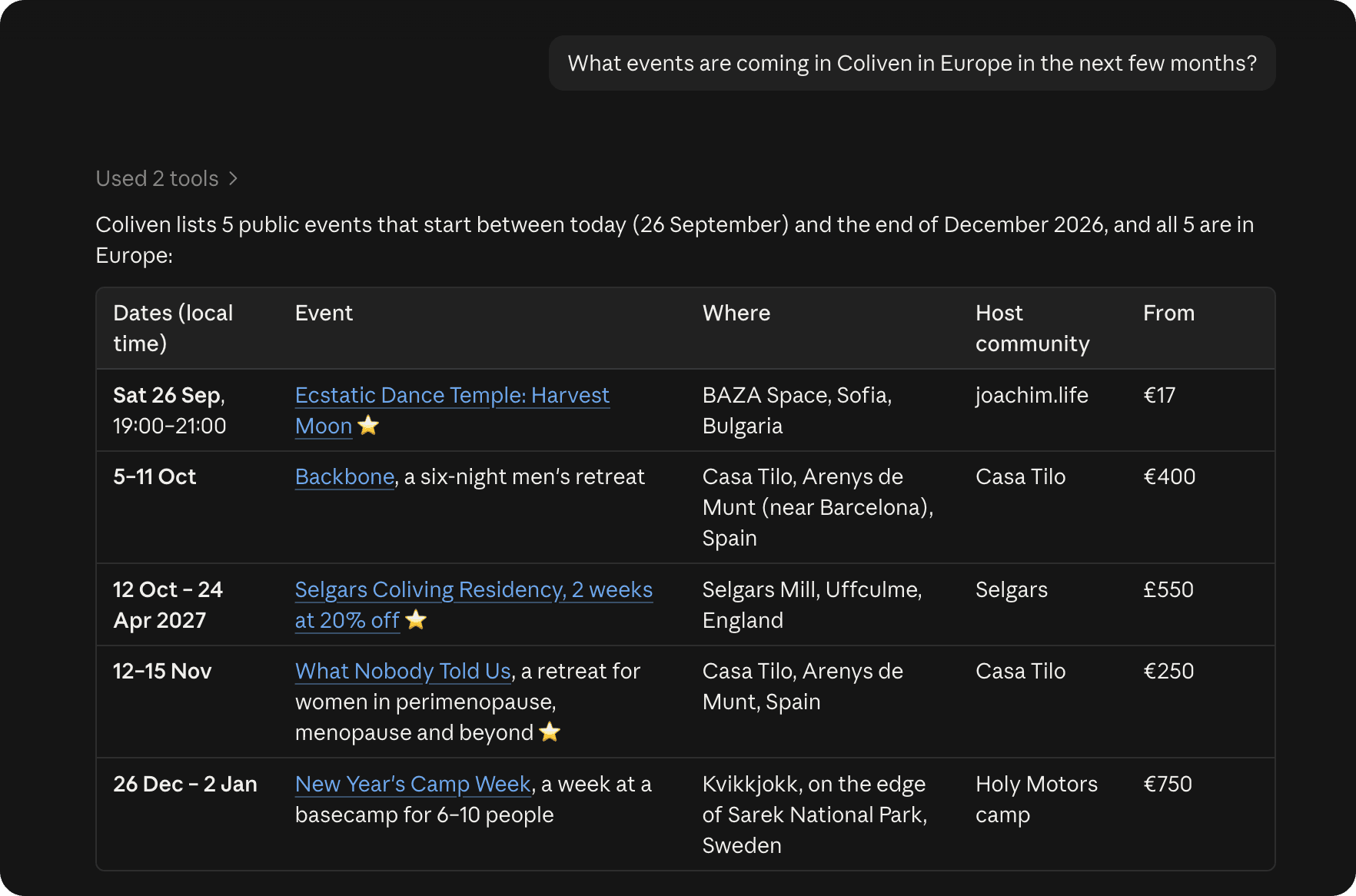
Checking who’s coming means opening a browser, finding the event and clicking through to the guest list. If you already have an AI assistant open all day, you can ask it. Connect Coliven to Claude, ChatGPT or Cursor and it can tell you who is waiting on your approval, add up what an event has collected, and set up next month’s retreat with the same tickets as the last one.
How do I connect it?
Paste the Coliven server URL into your assistant and sign in with your normal Coliven account. There are no API keys, and the assistant never sees your password. Set it up
What can it change?
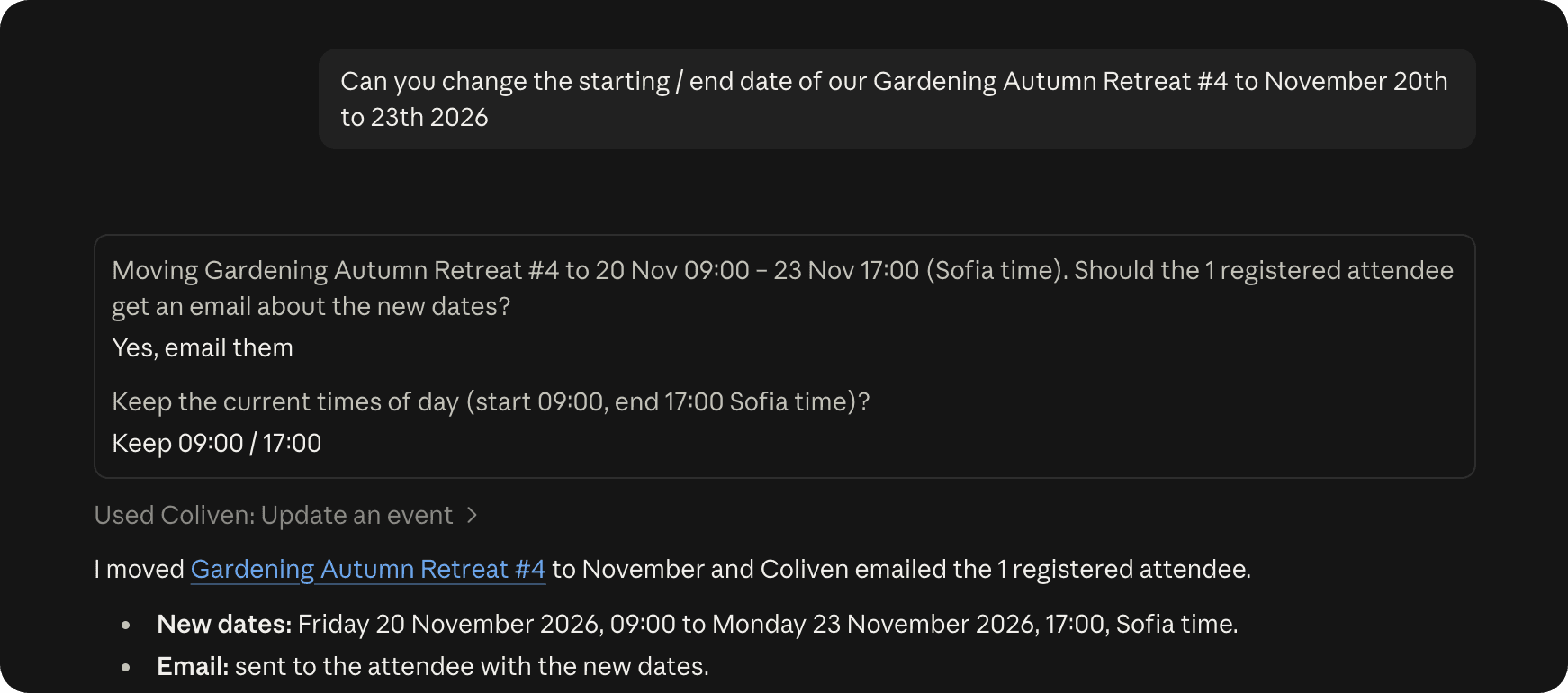
It can create and edit events, change tickets, approve or decline requests, cancel a registration and edit your community page. Before it does anything that emails people, it tells you who will get the email.
What can’t it do?
It can’t refund anyone or move money, delete an event or a community, change your payout settings, or email all your guests at once. There is no tool for any of those, so no prompt can make it happen.