
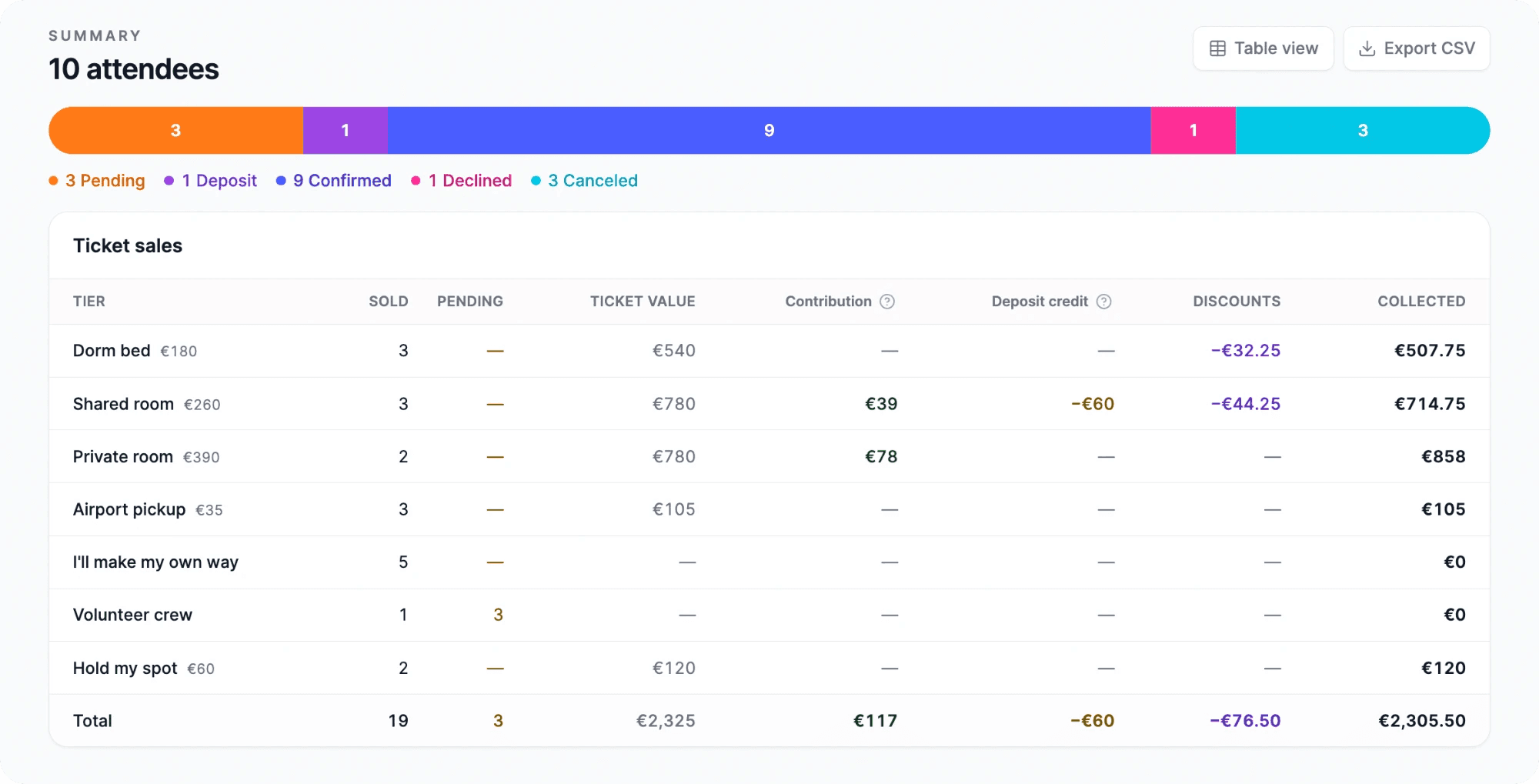
See who’s coming and what they’ve paid.
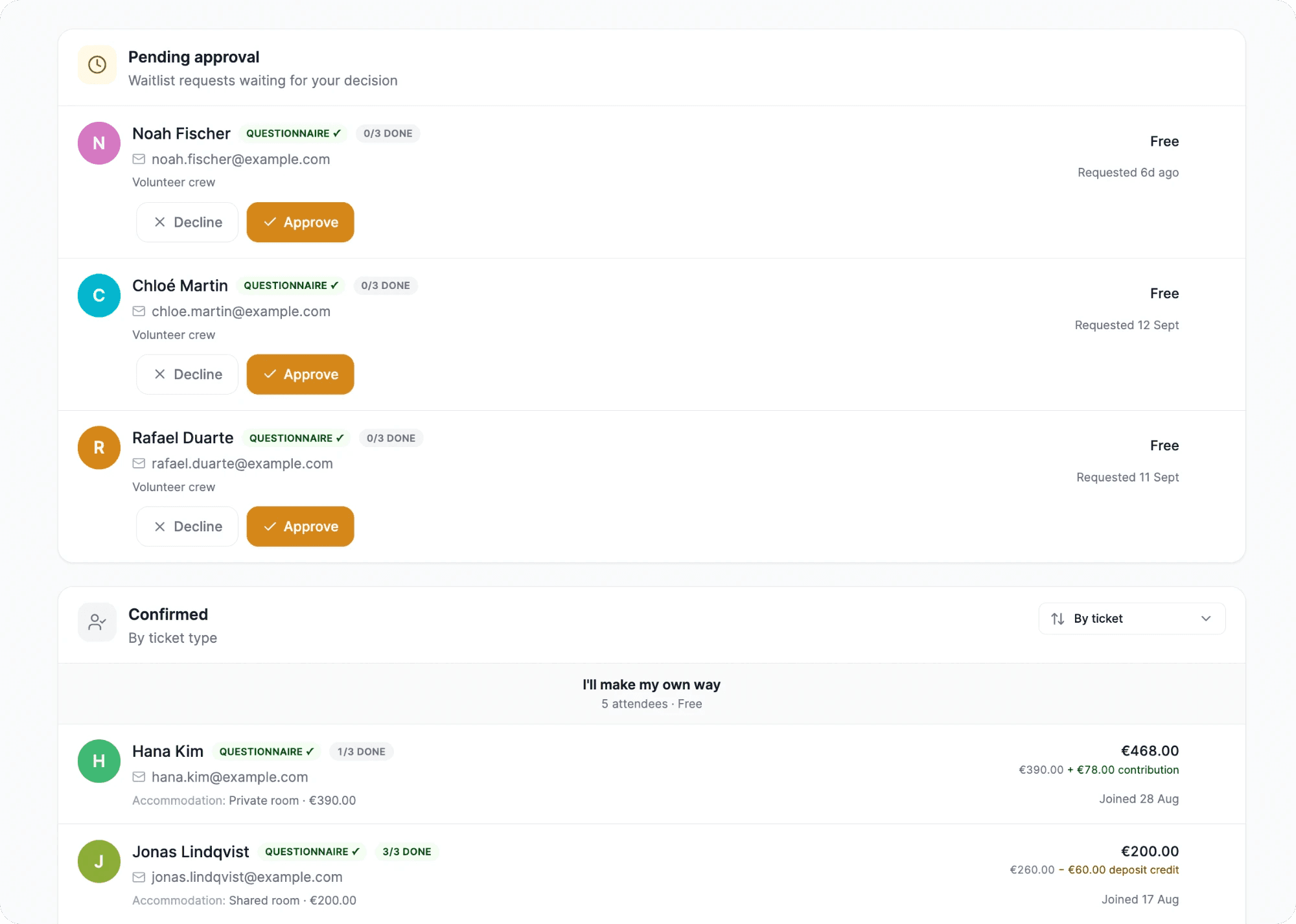
Who has paid in full, and who has only paid a deposit? Who is still waiting for you to say yes? Usually the answer is spread across a payments dashboard and a spreadsheet you update by hand. With Coliven it’s one list. Each guest has a row with their ticket, what they paid, their answers and how far they are through the checklist.
Can I approve and decline people from the list?
Yes. Requests waiting on you have their own section, with Approve and Decline on each one. Approving charges the card that was held. Declining releases it and emails the guest.
Can I move someone to a different ticket?
Yes, within the same group, for example from one room type to another. Nobody is charged or refunded. Coliven shows you the price difference so you can settle it yourself.
Can I refund a guest from Coliven?
No. Ticket money is in your Stripe account, so refunds are made from your Stripe dashboard. In Coliven you mark the guest as not going, which frees their place.
What’s in the export?
A CSV with one row per registration: name, email, ticket, what they paid and any discount code, plus a column for every question and every checkpoint.